Buy what you need. Use what you have.
Keep your fridge, freezer, and pantry in one place. Scan your groceries, see what needs using next, and share the list with everyone at home.

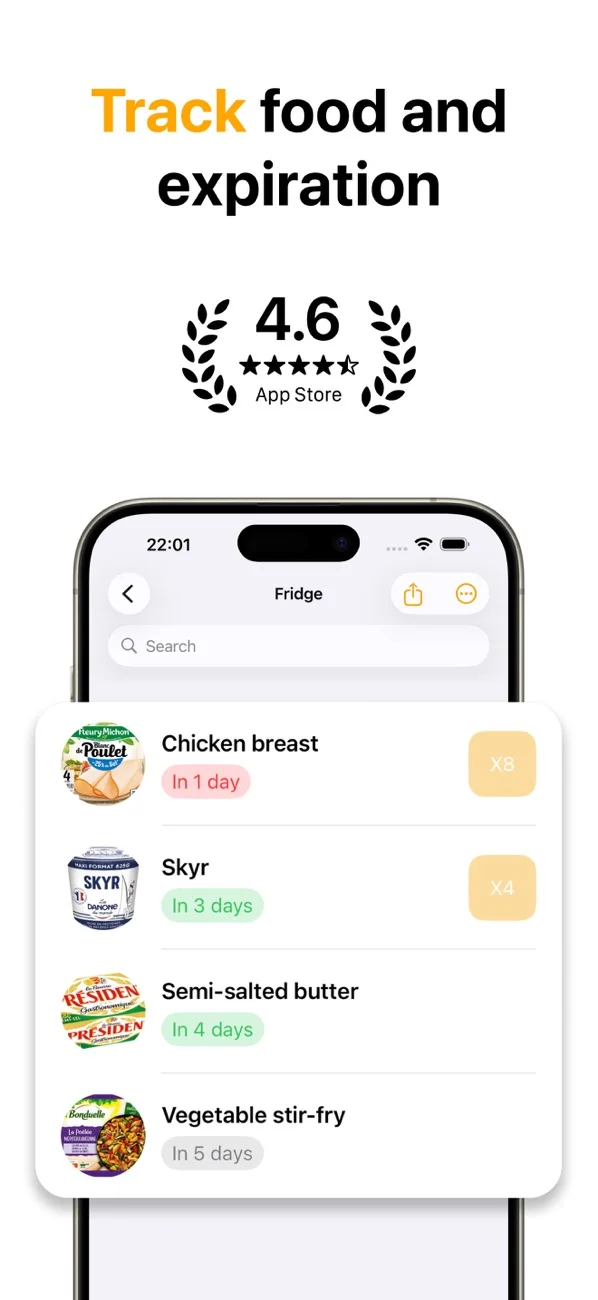
Key Features
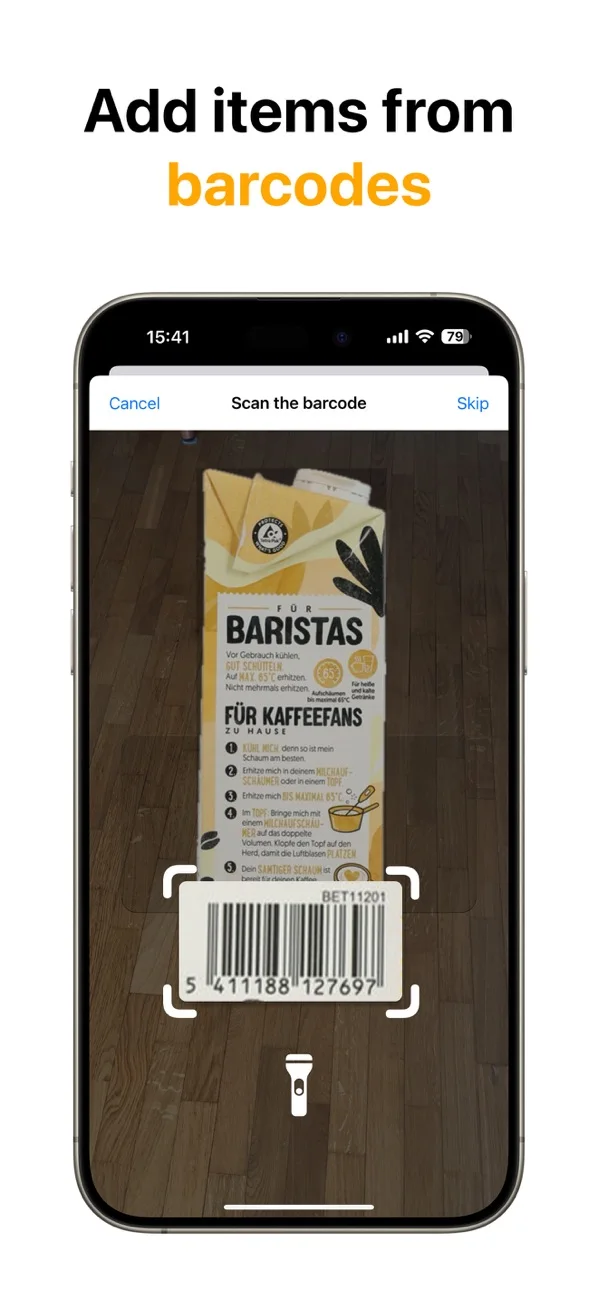
Barcode and expiration-date scanning
Scan a product barcode to fill in product details, then capture its printed date without typing every field by hand.
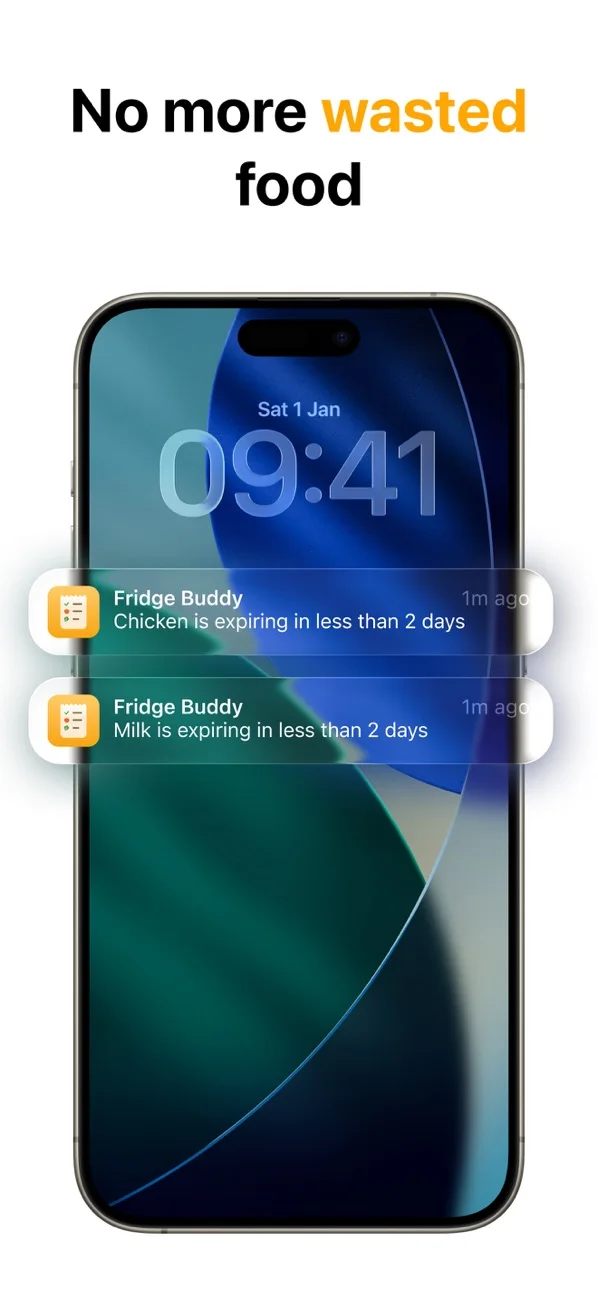
Expiration reminders you control
Choose how early FridgeBuddy should notify you, from an urgent reminder to enough notice for planning a meal.
Share the whole kitchen
One iCloud invitation gives your household access to every storage location and shopping list.
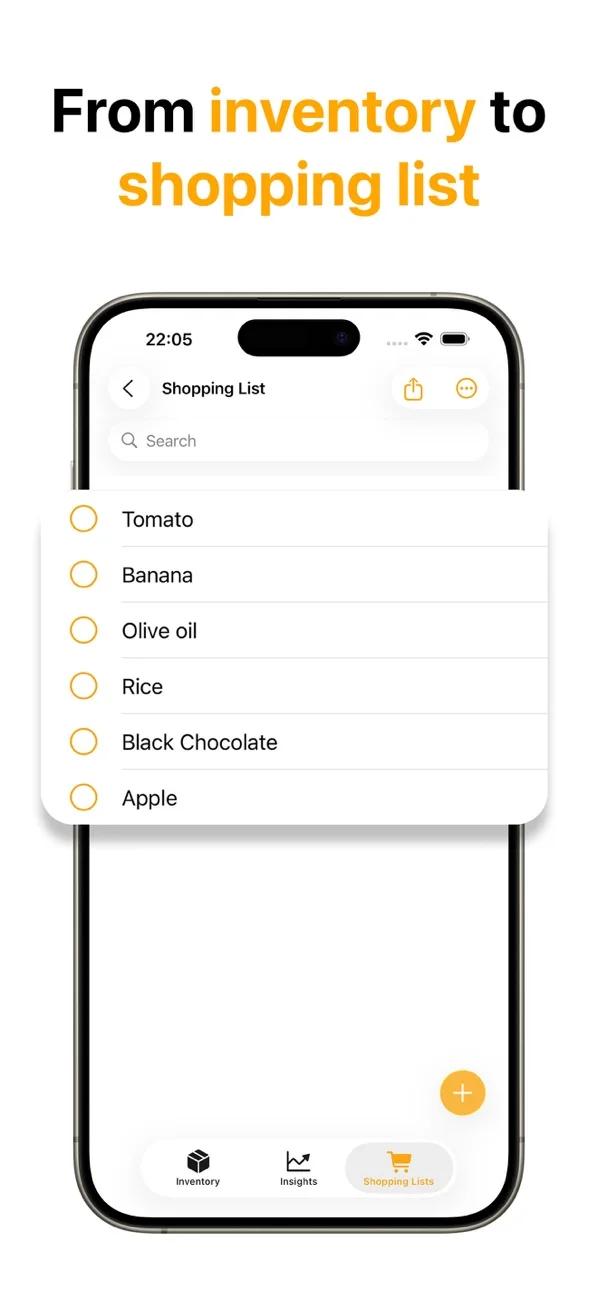
Lists that fit your routine
Sort shopping items your way and check what is already at home before buying more.
See your habits over time
Track what you consume and waste, and export your data to CSV for a closer look.
Widgets, Siri, and Shortcuts
Check expiring food from your Home Screen, find products in Spotlight, and update items with Siri.
Real Reviews from the App Store
“I really like this app so far!”
“Overall lovely app. Great, seamless design that's easy to use.”
“Excellent App to Help Prevent Food Waste”
See It In Action
Frequently Asked Questions
How does FridgeBuddy help reduce food waste?
FridgeBuddy keeps expiration dates visible, sends reminders before food expires, and shows consumption and waste patterns. It cannot decide whether food is safe to eat; always follow the product label and relevant local food-safety guidance.
Can I share my pantry and fridge inventory with my household?
Yes. A household invite gives family members or roommates access to shared storage locations and shopping lists through iCloud.
How do I add food to FridgeBuddy?
You can scan a barcode, scan a printed expiration date, reuse product details stored on your device, or enter an item manually.
Which devices can I use?
FridgeBuddy works on iPhone with iOS 18 or later and iPad with iPadOS 18 or later. iCloud keeps your inventory in sync across those devices.
Is FridgeBuddy free?
FridgeBuddy is free to download and includes in-app purchases for optional premium access. Current offers and local pricing are shown on the App Store.
Make room for a little less food waste.
Start with a few groceries. Let FridgeBuddy help you remember the rest.